
How To Install The LayersWP Theme
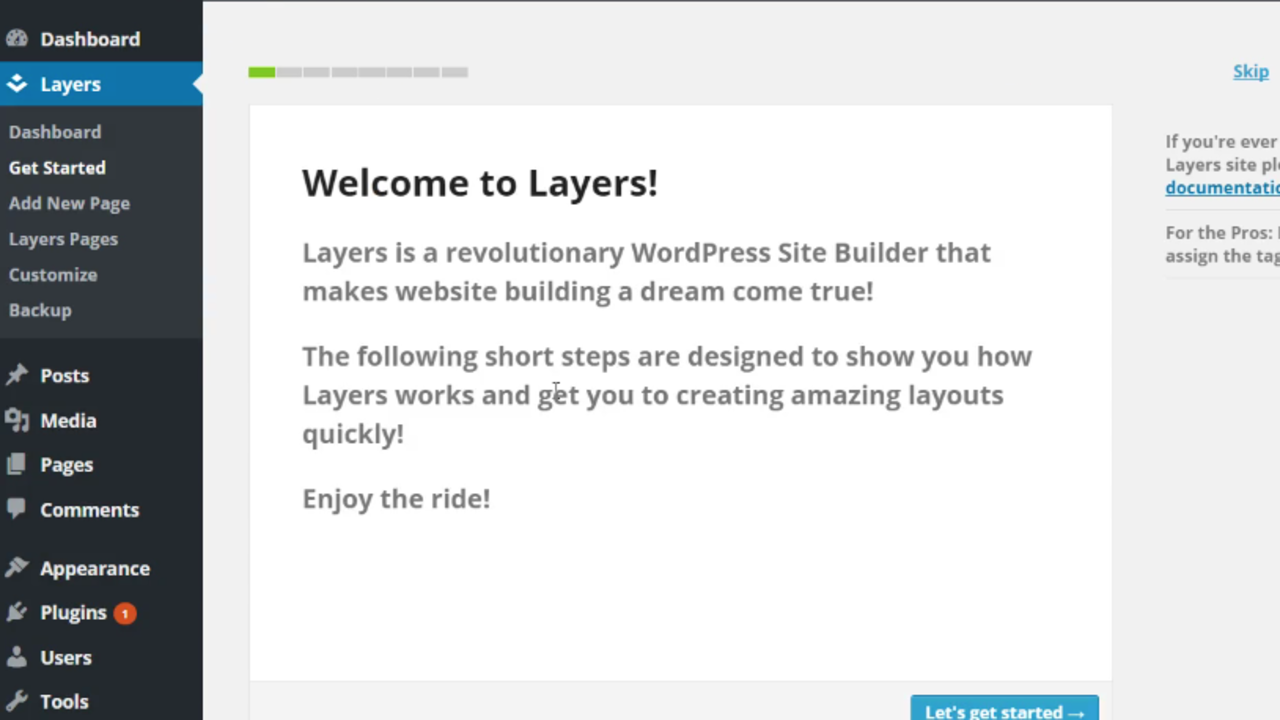
Here is a quick lesson in how to install the LayersWP Theme.
In order to do this properly, the first thing you'll need to have is a WordPress site. If you don't have a WP website already setup you can check out this blog post here to learn how to.
The first thing you're going to need to do is download the LayersWP theme for free right here.
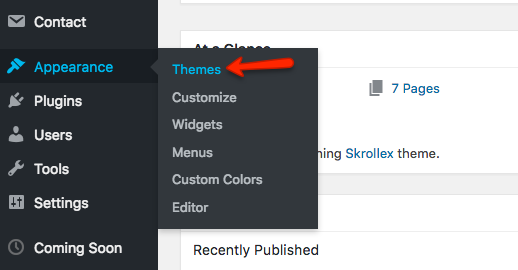
Once you have your site set up, what you need to do is simply log into the WordPress dashboard. Next, you'll need to go to Appearance and Themes to open the themes page.
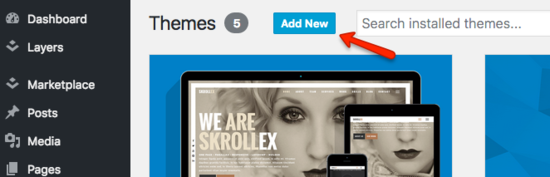
Click on Add New and then you'll just need to upload the LayersWP theme.
You'll need to have this installed before you install things like the child themes, the extensions and the style kits.
In the next lesson, we’re going to talk about the Layers dashboard. And I'm going to walk you through step-by-step so that you can understand exactly what is available to you and how to use them.
Stay connected with news and updates!
Join the insiders club to receive the latest news and updates and recieve special discounts, free lessons, and bonus content.
Don't worry, your information will never be shared.